A stable link to Saber.
We tested the live eXplore panel at s2cd.xcelerator.us. The app shell loads, but the tested launch routes do not establish an authenticated Digital Threads view.
Integration blocked at authenticationThe requested experience
Open the S2CD panel and use the live, interactive eXplore Digital Threads tabletop for the Saber 2 project. Refresh and return visits should keep working without Chris reopening Solutionlink or supplying a personal browser session.
Requested access: durable, read-only and limited to this exact project. No access to other projects or authoring/admin operations.
Project: Lockheed Saber 2.0 Capability Development Project
UUID: 4c5f4b92-b741-4af4-b839-2dc0cfbf14e0
Allowed parent: https://s2cd.xcelerator.us
Production-origin results
Tested November 9, 2026, America/Chicago, using the actual deployed process page. Top-level Solutionlink successfully displayed the same project in the same Chrome profile. Browser security settings were unchanged.
| Route in S2CD iframe | Observed outcome |
|---|---|
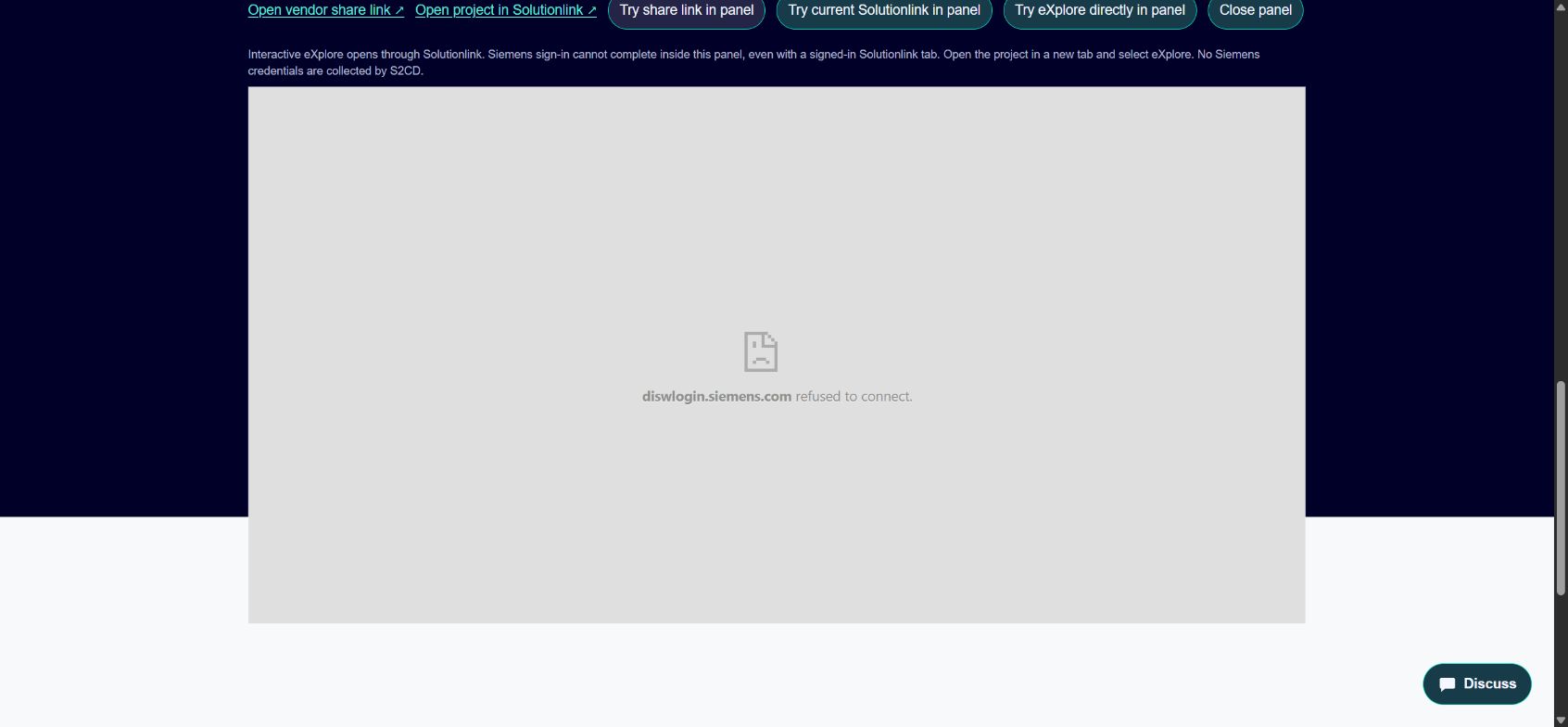
| Vendor share host | Redirected to diswlogin.siemens.com. Child frame reported “refused to connect.” |
| Current Solutionlink host | The same refusal, including a repeat after confirming top-level project access. |
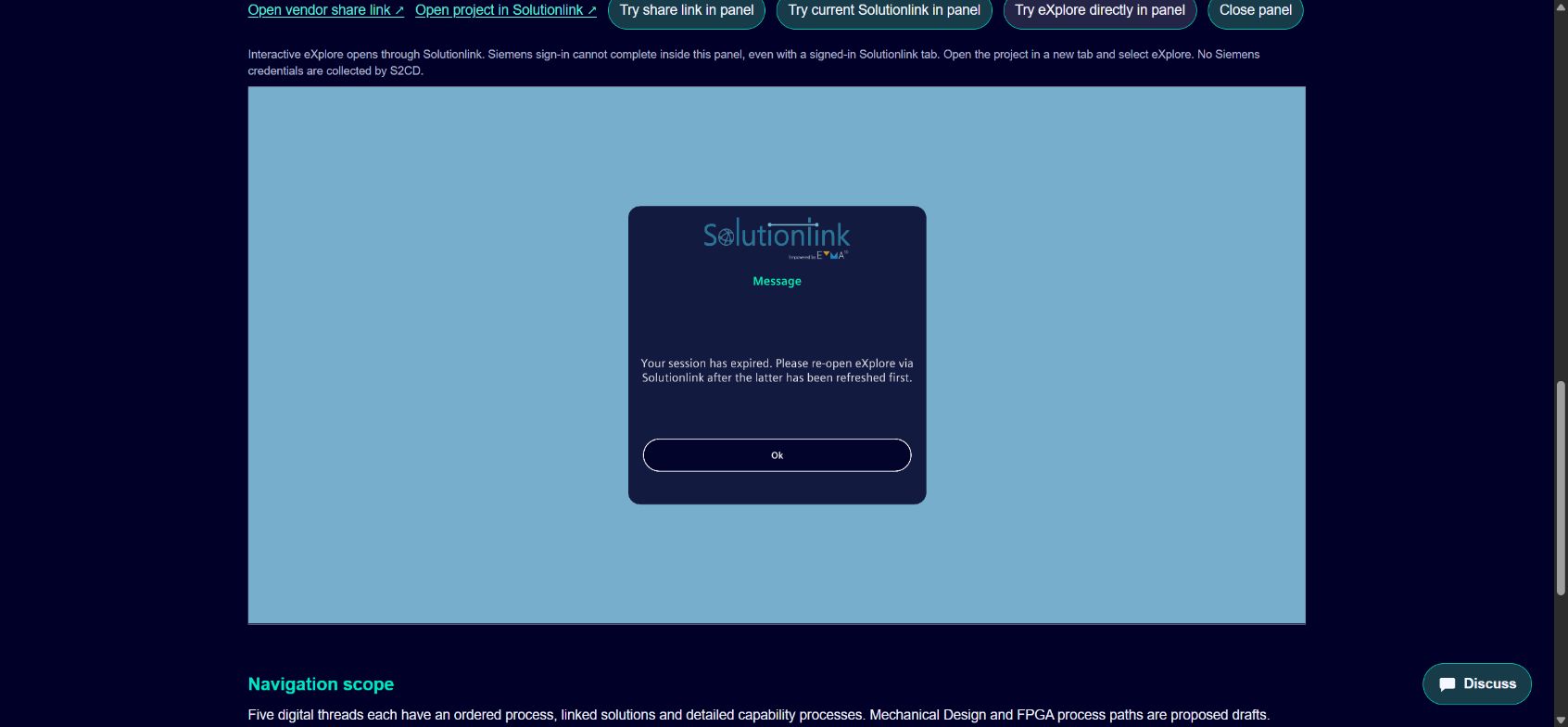
| Direct eXplore, token-free | Unity shell loaded. “Authenticating” ended with “Your session has expired.” No project tabletop rendered. |
Durable access, with the right scope.
A persistent user-facing link is required. Whether it needs a long-lived token is a vendor design decision that has not been established.
Preferred supported options
A revocable project-scoped share grant, or a stable embed URL backed by renewable read-only viewer sessions. Access should continue across normal refreshes and expiry without dependence on Chris's personal login.
If the supported solution requires a persistent or long-lived token, limit it server-side to this project and read-only viewer actions. Define its lifetime, audience, rotation and revocation. Deliver it securely; no actual token belongs in this public page or the downloadable evidence.
Where supported, a confidential server-side grant exchanged for short-lived viewer sessions meets the desired always-available experience. The team must confirm licensing and whether S2CD-authorized viewers need individual Siemens identities.
What Solutionlink/eXplore needs to provide
- Supported project-only embed URL. Correct host/environment, stable startup parameters and the distinction between a share launcher and an in-place embedded viewer.
- Durable viewer authorization. A revocable project grant or supported renewal mechanism with no edit/admin or unrelated project access.
- S2CD parent-origin support. Frame policy, required data/startup origins, browser storage behavior and a login/renewal flow that does not require sign-in inside a blocked frame.
- Viewer licensing and access model. Confirm individual Siemens identity versus a project publication/service grant behind the existing S2CD gate.
- Integration contract. Ready/error/session-expired events, renewal, supported thread/process deep links and any SDK or postMessage interface.
These are requested capabilities. No project grant has been issued or enabled during this work.
Acceptance checks
Load the correct tabletop from production S2CD; pan/zoom and drill into the correct process; refresh and return in a new authorized S2CD session; exercise actual session renewal; reject a substituted project ID and write/admin requests; verify grant revocation and rotation. The interactive success and authorization checks remain pending a supported vendor integration.